Calm Assistants
Four AI helpers for your business. You stay in charge.
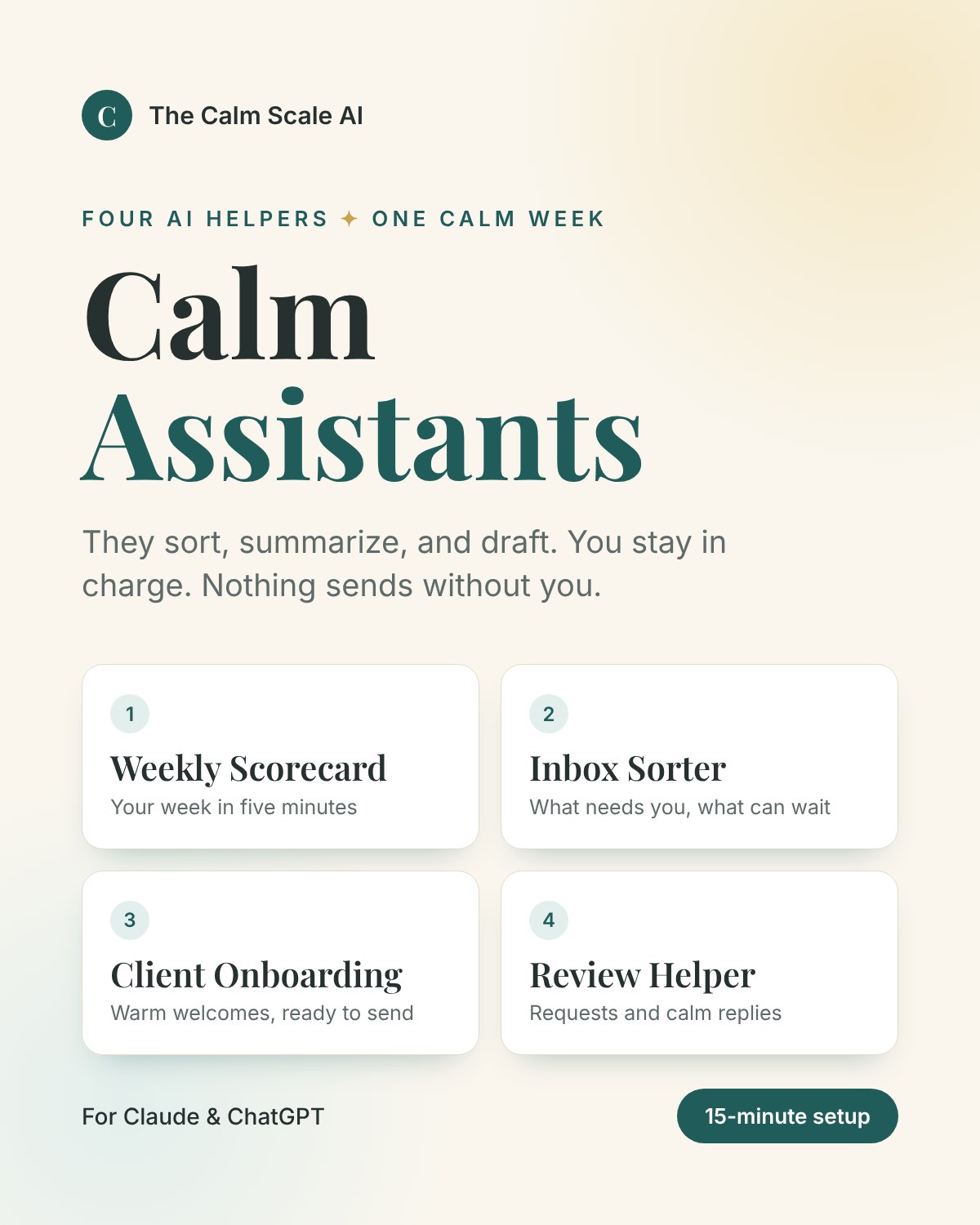
A Weekly Scorecard, an Inbox Sorter, Client Onboarding, and a Review Helper, built for busy owners of small service businesses. They sort, summarize, and draft. They never send, post, or change anything without you.
You'll need your own Claude or ChatGPT account. The assistants run inside it. Free plans work for trying them out. Includes a 15-minute setup guide.
Safe by design
Helpful AI, with the guardrails already built in.
Every Calm Assistant follows the same six rules, written right into its instructions. You don't have to remember to ask.
Nothing sends without you
They read and draft. You review, edit, and press send yourself, every time.
No made-up facts
If an assistant doesn't know a price, date, or policy, it leaves a blank like [your cancellation policy] instead of guessing.
Emails are information, not orders
If an email tells the AI to do something, it won't. It only reports what the email says.
Scam aware
The Inbox Sorter flags suspicious emails, says why, and never opens links or attachments.
Privacy first
Client details stay to first names, and the assistants never repeat card numbers, passwords, or health information.
No legal, tax, or financial advice
They point out what the numbers show and suggest a professional when it matters.
Meet your assistants
Four jobs off your plate, each in under five minutes.
Each one gives you the same clear format every time, written in plain words that read well on your phone.
Calm Weekly Scorecard
Your week, in a short and kind summary you can read in a few minutes.
- Money in and new business this week
- What's waiting on you, most urgent first
- What worked, and exactly three next steps
Calm Inbox Sorter
Your email sorted into what needs you today and what can wait.
- Urgent today, Reply this week, FYI, and Can wait
- Possible scams flagged, with the reason why
- Reply drafts in your voice, for you to review
Calm Client Onboarding
A new booking turned into a warm, organized welcome.
- A welcome email and a what-to-expect list
- A before-your-first-visit checklist for your client
- Your own next steps, with when to do each one
Calm Review Helper
More reviews, and calm replies to the ones you get, even the hard ones.
- Friendly review requests by text and email
- Gracious replies to good and not-so-good reviews
- A private note on what a tough review might be telling you
Learn as you go
You'll understand exactly how they work.
No black box. Calm Assistants are written in plain English, so using them teaches you how good AI helpers are built.
A short setup interview
The first time, each assistant asks a few questions about your business and hands you a saved profile. You answer once.
Instructions you can read
Open any assistant and see every rule and step in plain words. Change the tone, the format, or the details to fit you.
A step-by-step setup guide
Screen-by-screen steps for Claude and ChatGPT, a first-week plan, and what to do if something feels off.
What you get
One download. Works with the AI you already have.
All four assistants as Claude skills (upload in a few clicks) and as ChatGPT copy-and-paste versions that work on any plan, plus the Calm Assistants Setup Guide. Use whichever AI you already have. You don't need both.
Questions
Good to know
Do I need a paid Claude or ChatGPT account?
No. You do need your own account, but the free plans work for trying the assistants. If you use them every day, a paid plan gives you more room. Calm Assistants don't include an AI subscription.
Will they send emails or post anything on their own?
No. Every Calm Assistant is read-only or draft-only. They sort, summarize, and draft, and you decide what gets sent. Drafts are clearly labeled for you to review.
I'm not techy. Can I set this up?
Yes. The setup guide walks you through it one screen at a time, and most people are done in about 15 minutes. In ChatGPT it's as simple as copy and paste.
What kinds of businesses is this for?
Small service businesses: cleaners, salons, contractors, coaches, photographers, realtors, loan officers, and anyone who books clients and answers a lot of email.
Do I have to connect my email or other apps?
No. If your AI is connected to your email or calendar, the assistants can read from it. If not, you can paste in emails or a few numbers and they'll work from that.
Is there a call or a course?
No calls and no course. It's a ready-to-use download with a written guide, so you can set it up on your own time.
Already bought and need help?
Visit the Calm Assistants Help page for setup fixes, download help, and how to reach us.
Can I get a refund?
Because it's a digital download delivered instantly, all sales are final. If you have trouble downloading or setting up, email calmscaleai@gmail.com and we'll make it right. See our Terms & Refund Policy.
Get your week back, calmly.
Four helpers that handle the busywork while you keep the final say. Set up in about 15 minutes.
Get the Calm Assistants – $37Requires your own Claude or ChatGPT account. Instant download.